
CSV import
Create companies or individuals in bulk from a CSV file
Introduction
You can create individuals and companies in bulk from a CSV file.
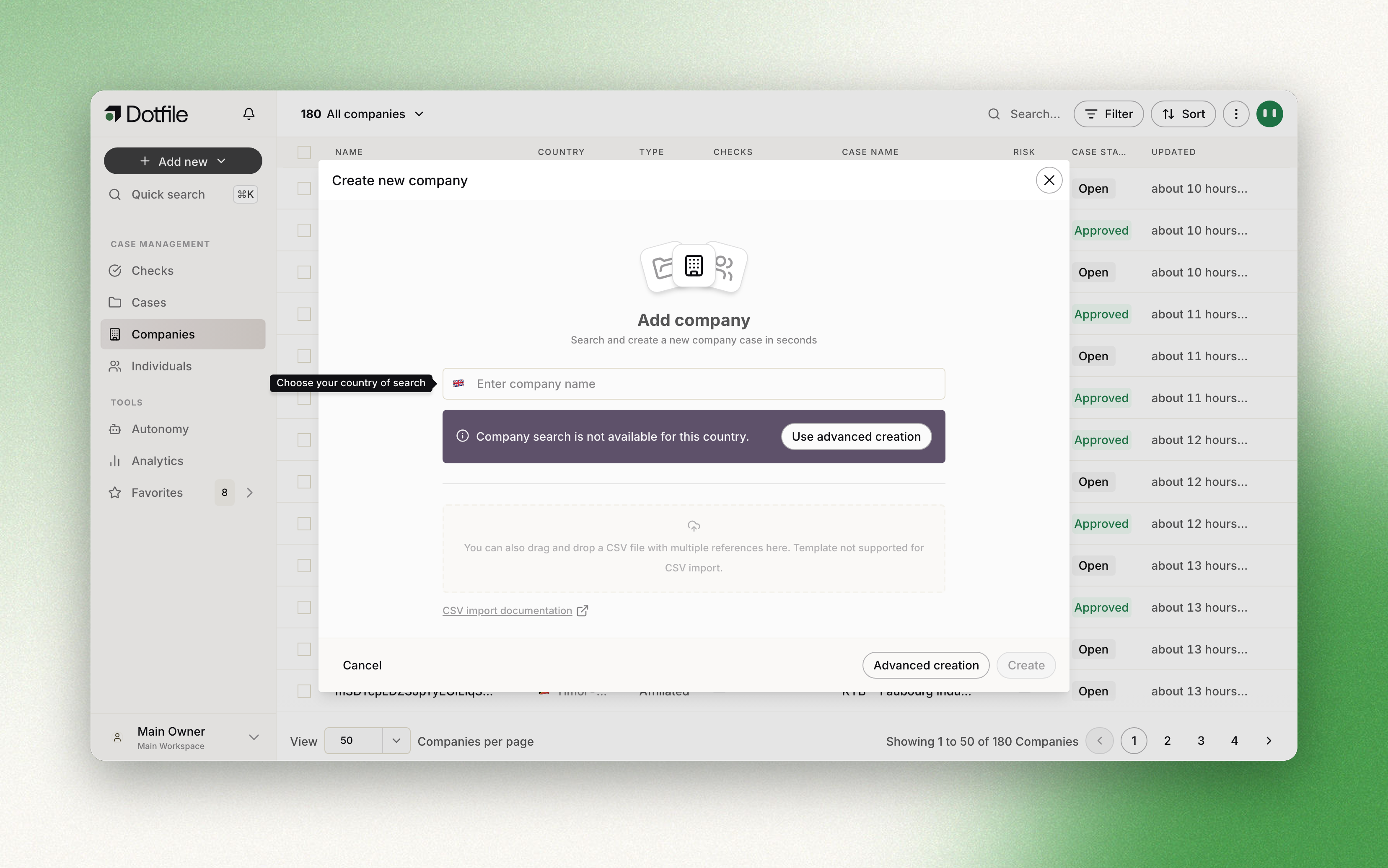
Companies format
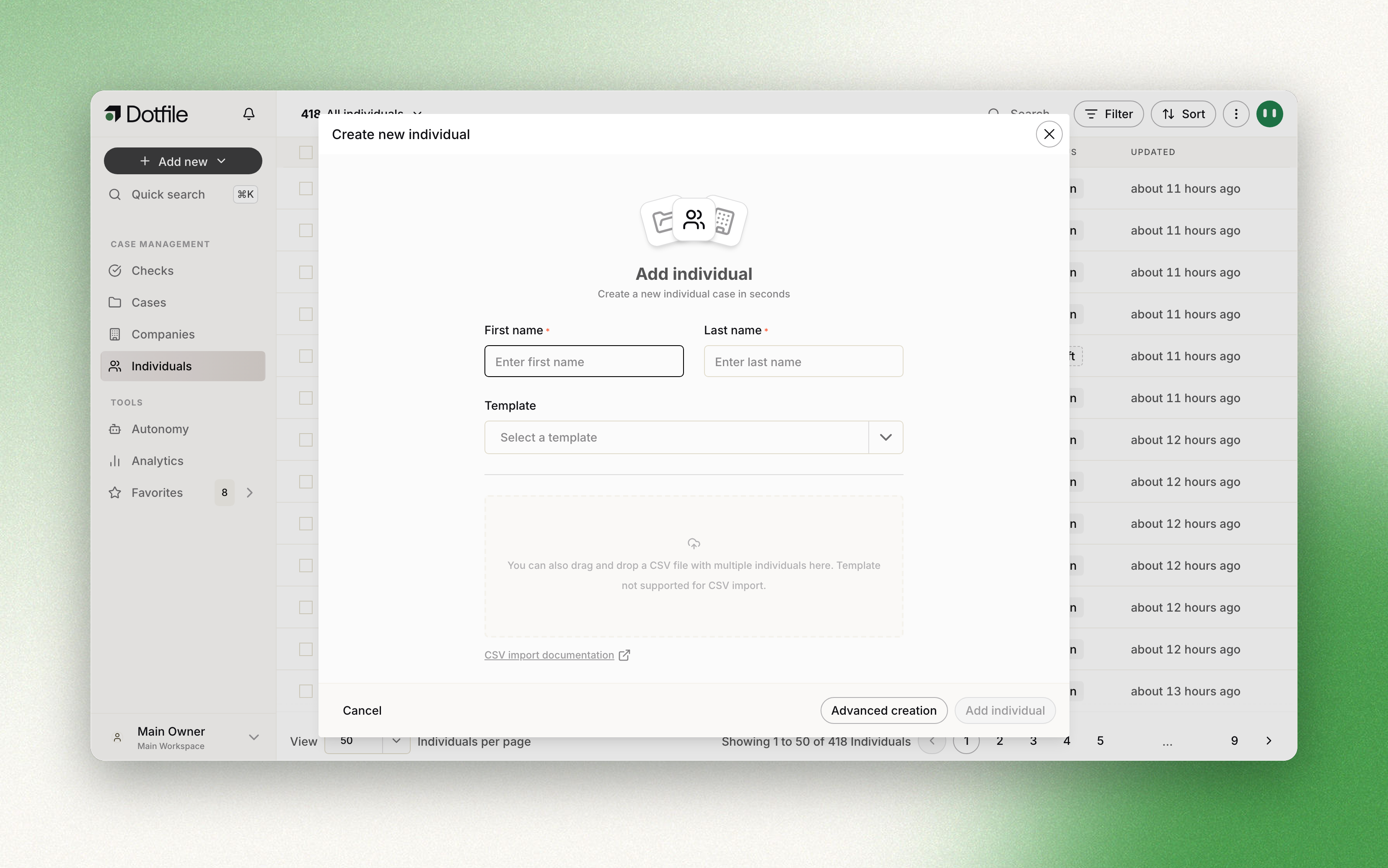
Individuals format
How to import
- For companies import: Companies > Click on the arrow on the right of the “Add new company” button > Import from CSV.
- For individuals import: Individual > Click on the arrow on the right of the “Add new individual” button > Import from CSV.
Here is a video example of how to import companies while applying a verification Template.
Formatting rules
A few rules, or the import fails:
For individuals, you need to have at least the following columns for the import to be successful:
- first_name
- last_name
- is_beneficial_owner
- is_business_contact
The other columns you can add to your import are:
- email (required if is_business_contact is set to true)
- birthdate
- birth_country
- residence_country
Countries must use the ISO 3166-1 alpha-2 codes (FR, DE, NL), and dates must be written yyyy-mm-dd.
Any other column you add — customer_id, for instance — is imported as case custom data.
For companies, the import triggers enrichment from official sources. From the registration_number and the country, Dotfile creates the case with everything the registry holds on the company, and creates the individuals it finds — beneficial owners included.
Templates
You can apply a template during the import, so the checks run on every row as it is created.
Updated about 1 month ago