
Outbound communication settings
Configure the sender name, address and domain your counterparties see
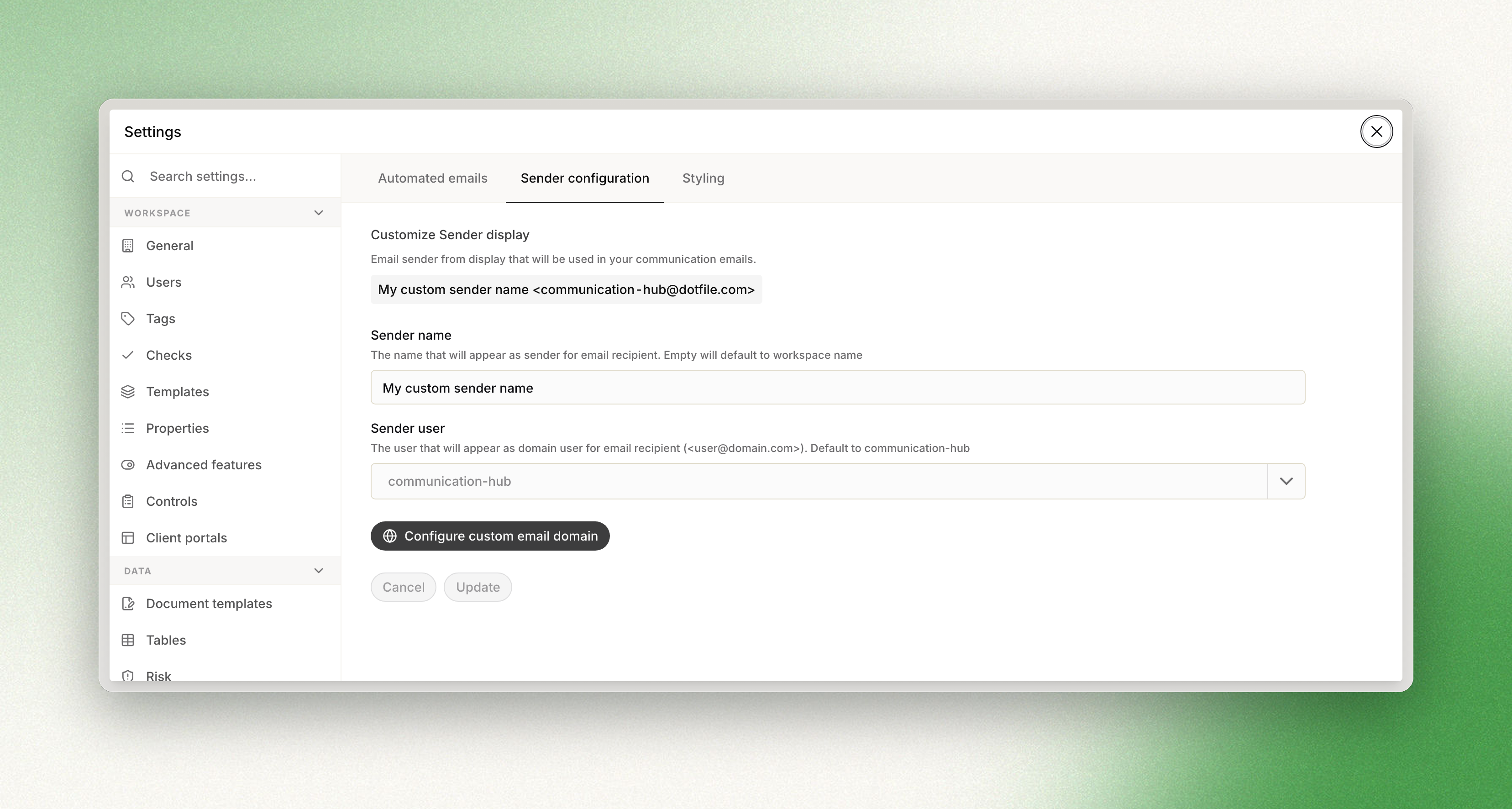
In your Settings, open the Communications menu, then Sender configuration. Three settings control what business contacts see when they receive a communication from you:
| Setting | What it is | If you leave it unset |
|---|---|---|
| Sender name | The name displayed to the business contact. | The workspace name is used. |
| Sender user | The email address, for example [email protected], that communications are sent from. | communication-hub is used. |
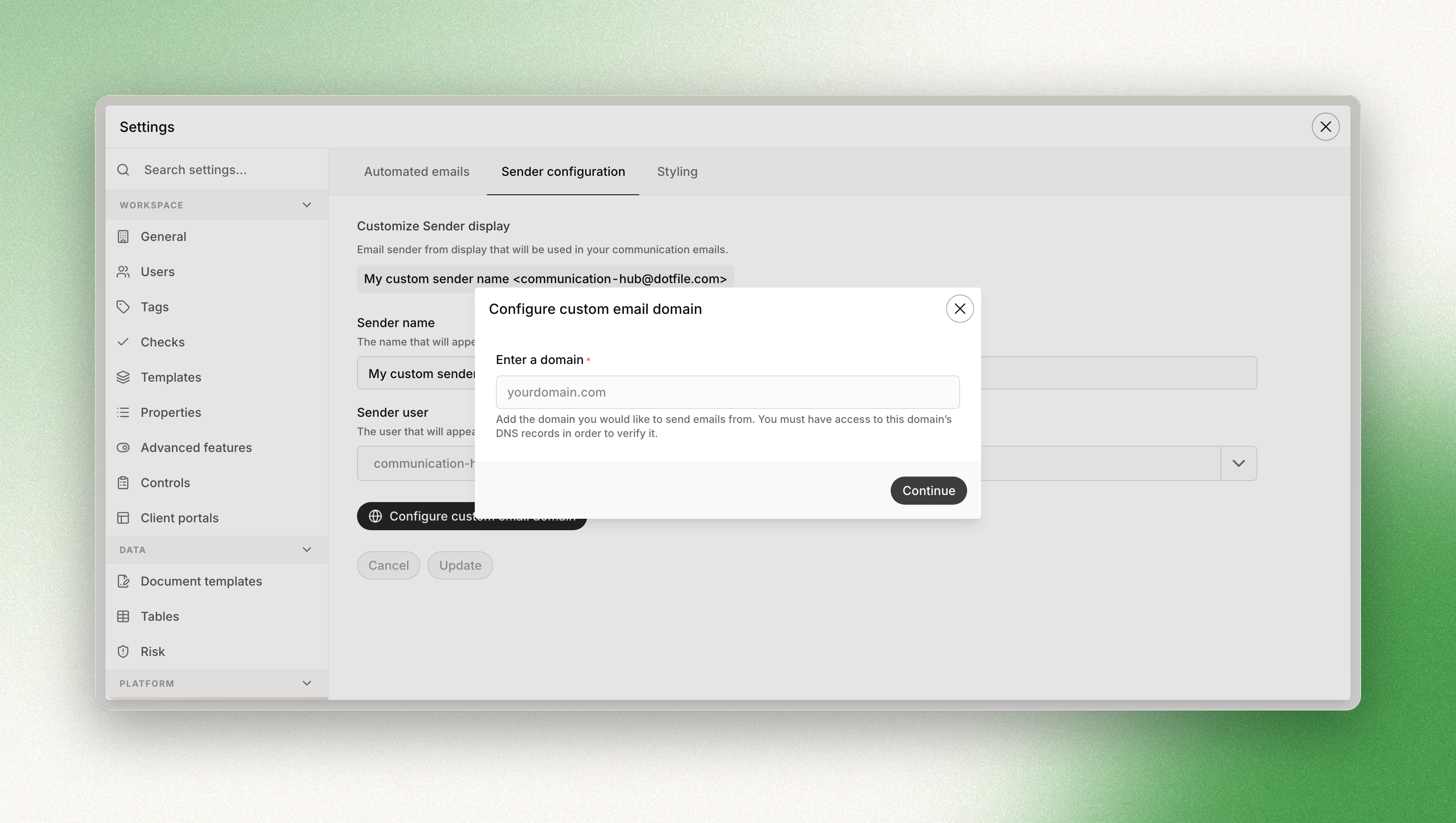
| Custom email domain | Sends all outbound communications from your own domain. | The default Dotfile email domain is used. |
Updated 3 months ago
Did this page help you?