
HubSpot
Sync cases and verification status both ways with your HubSpot records
Connect HubSpot to Dotfile and a deal carries its case with it: status, risk and assignee stay in step in both directions, with nothing re-keyed.
Setup
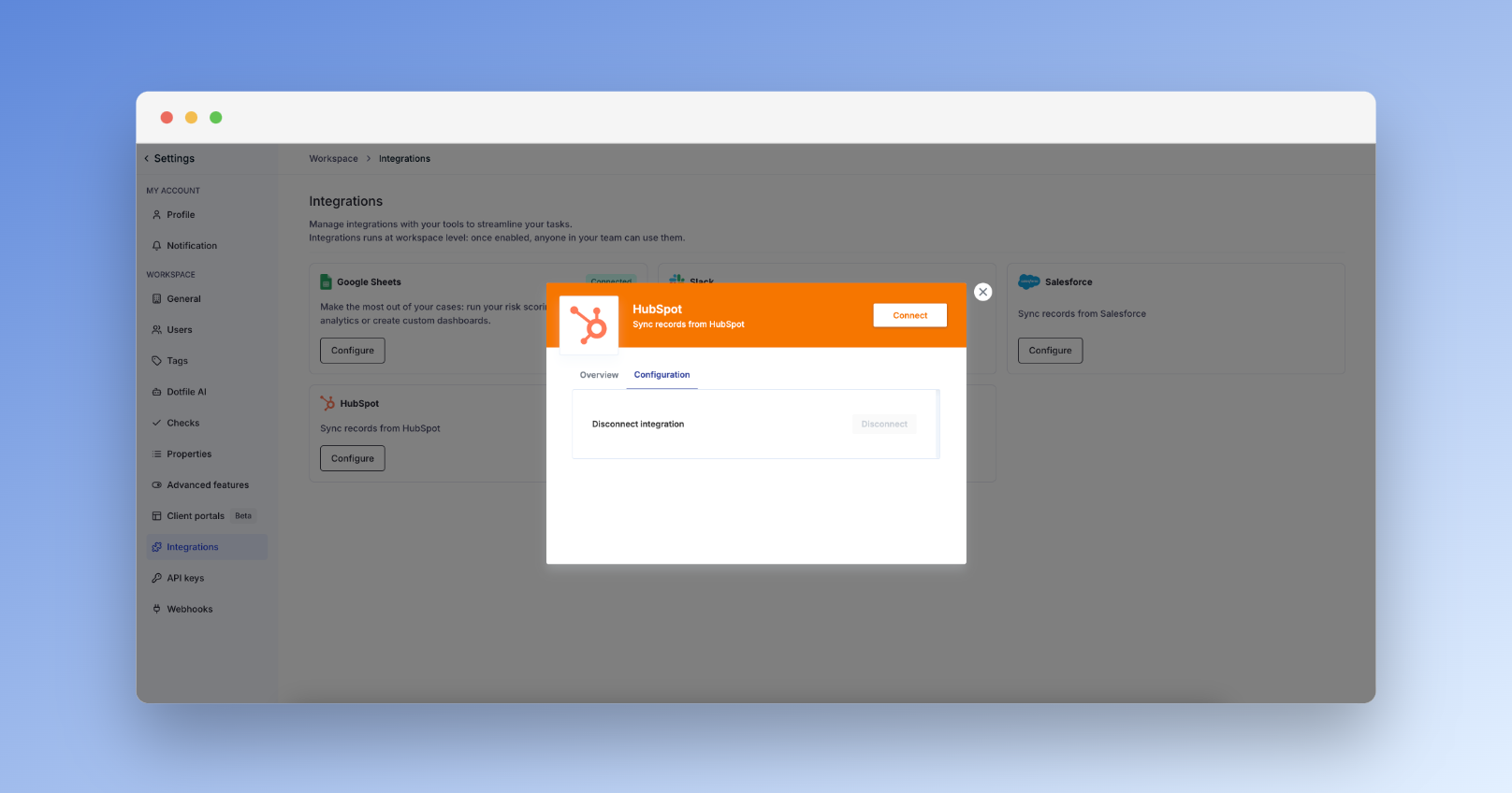
Go to Settings → Integrations → HubSpot, click Configure, then Connect, and sign in to your HubSpot account.
Initiate a Dotfile case from a HubSpot deal
-
Access the desired Deal record within your HubSpot account.
-
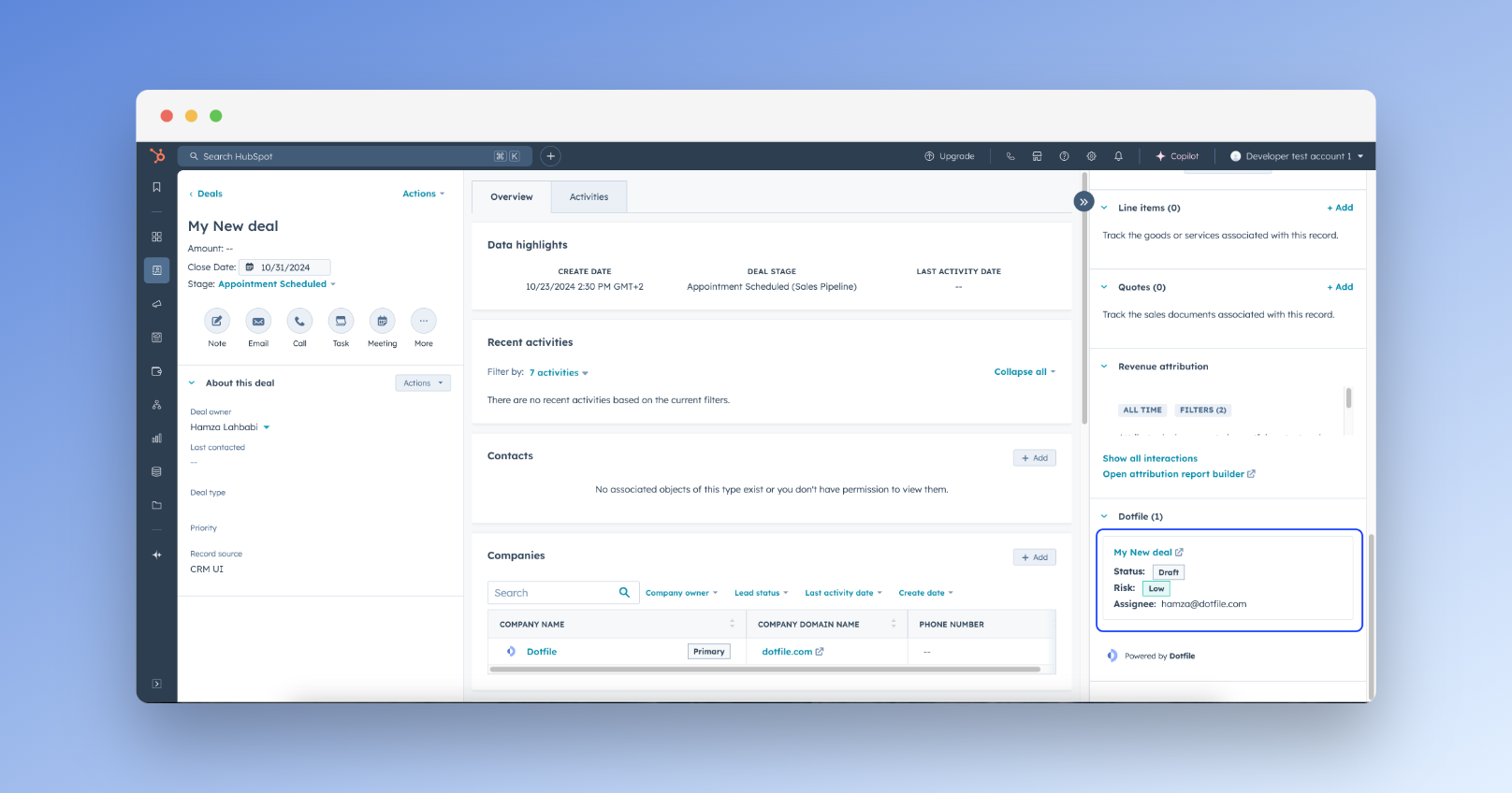
In the side panel of the Deal record, identify the "Dotfile" card.
-
Click the "Create Case" button within the Dotfile card.
-
Enter the case name and select a business contact. The deal needs at least one contact associated with it.
Usage
Once a case is created from HubSpot, its key attributes keep updating on the deal record. This covers:
-
Case status: where the case stands, from creation to decision.
-
Risk score and level: what the case scored, without opening Dotfile.
-
Case assignee: who owns it.
Updated 3 months ago