
Recover from a data mismatch
What the Client Portal does when ID data does not match what you already hold
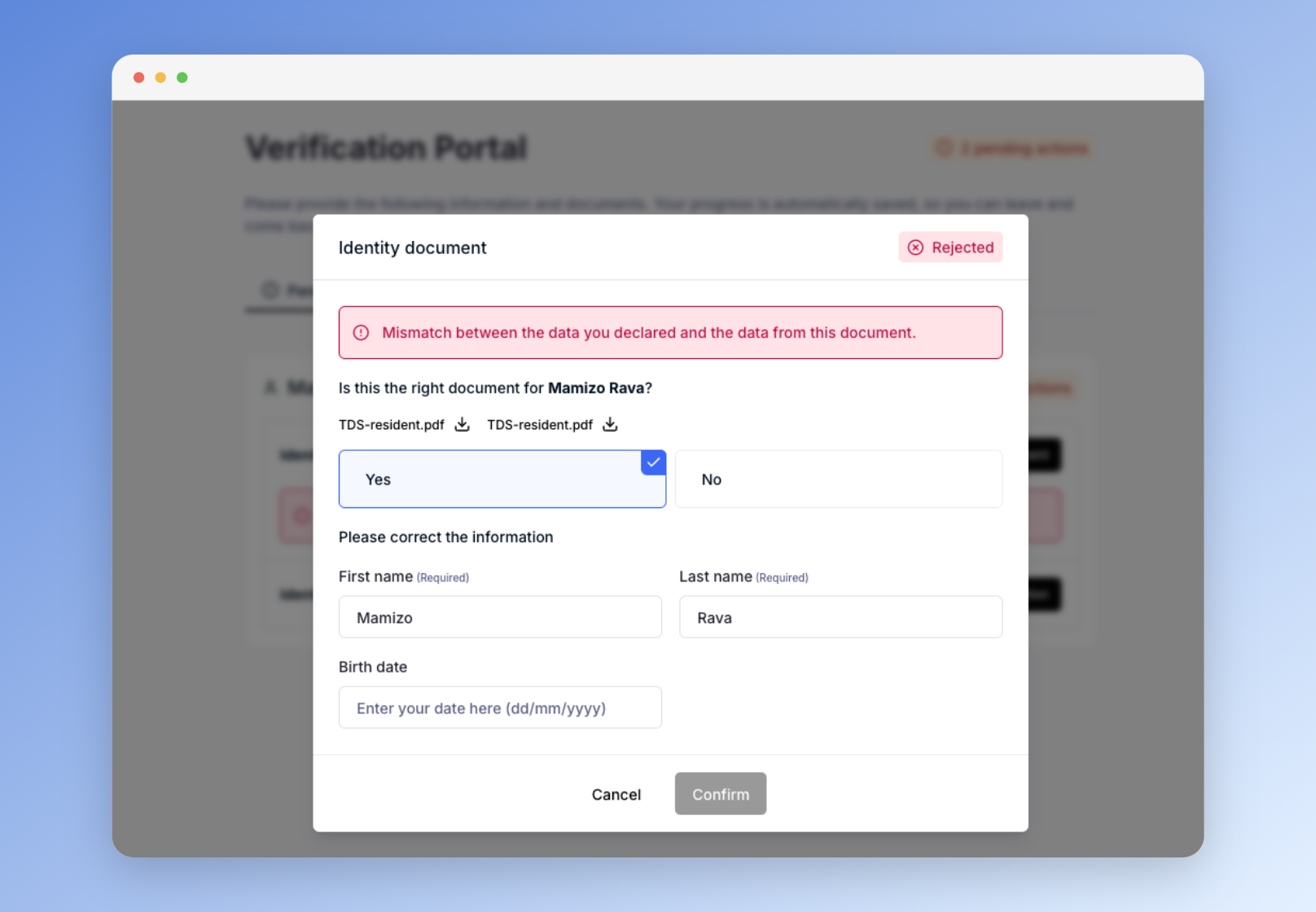
When the data extracted from an uploaded ID document does not match the data declared in the questionnaire, the Client Portal lets the end user resolve the discrepancy before the check reaches your Dotfile workspace.
Recovering from a mismatch inside the portal raises the success rate of identity verification, spares your analysts the manual work of correcting typographical errors made in the questionnaire, and keeps end users out of repeated rejection loops.
How it works
- Document analysis: when a user uploads an ID document in the Client Portal, the system compares the declared data with the data extracted from the document.
- Recovery from a data comparison error: if a discrepancy is detected, the user is prompted to correct their declared data through a dedicated interface, with up to three attempts.
- Escalation: if the discrepancy persists after three attempts, the document is sent to your Dotfile workspace for manual review and resolution by an analyst.
Updated 3 months ago
Did this page help you?