
Email styling
Set the logo, color and footer used in your outbound emails
Go to the Styling tab in the communication settings to customize the appearance of your outbound emails.
You can:
- Set a default logo: used in all outbound communications.
- Choose a primary color: applies to buttons and calls to action.
- Add a footer: include important information or useful links.
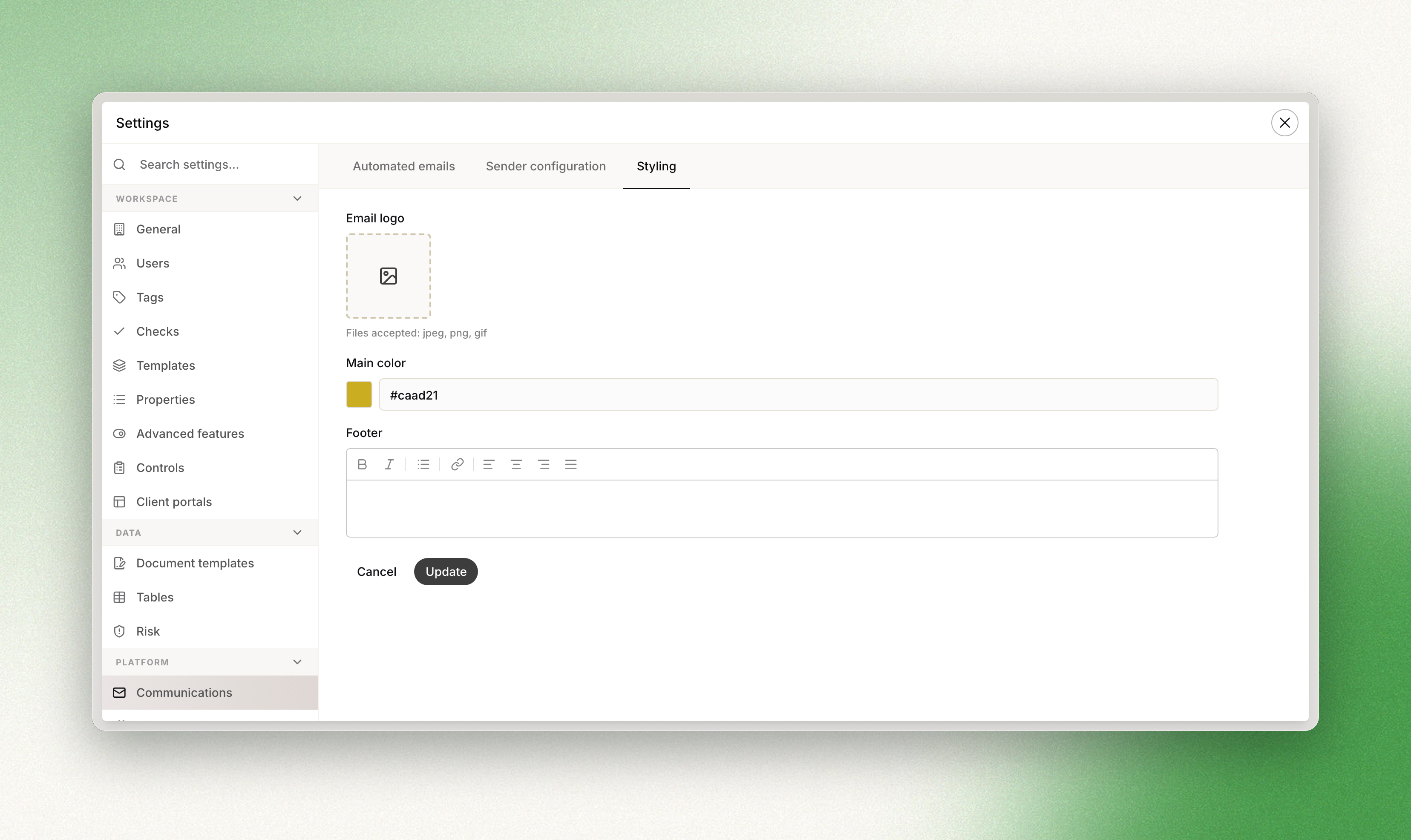
Configuration of the outbound email styling from the workspace settings
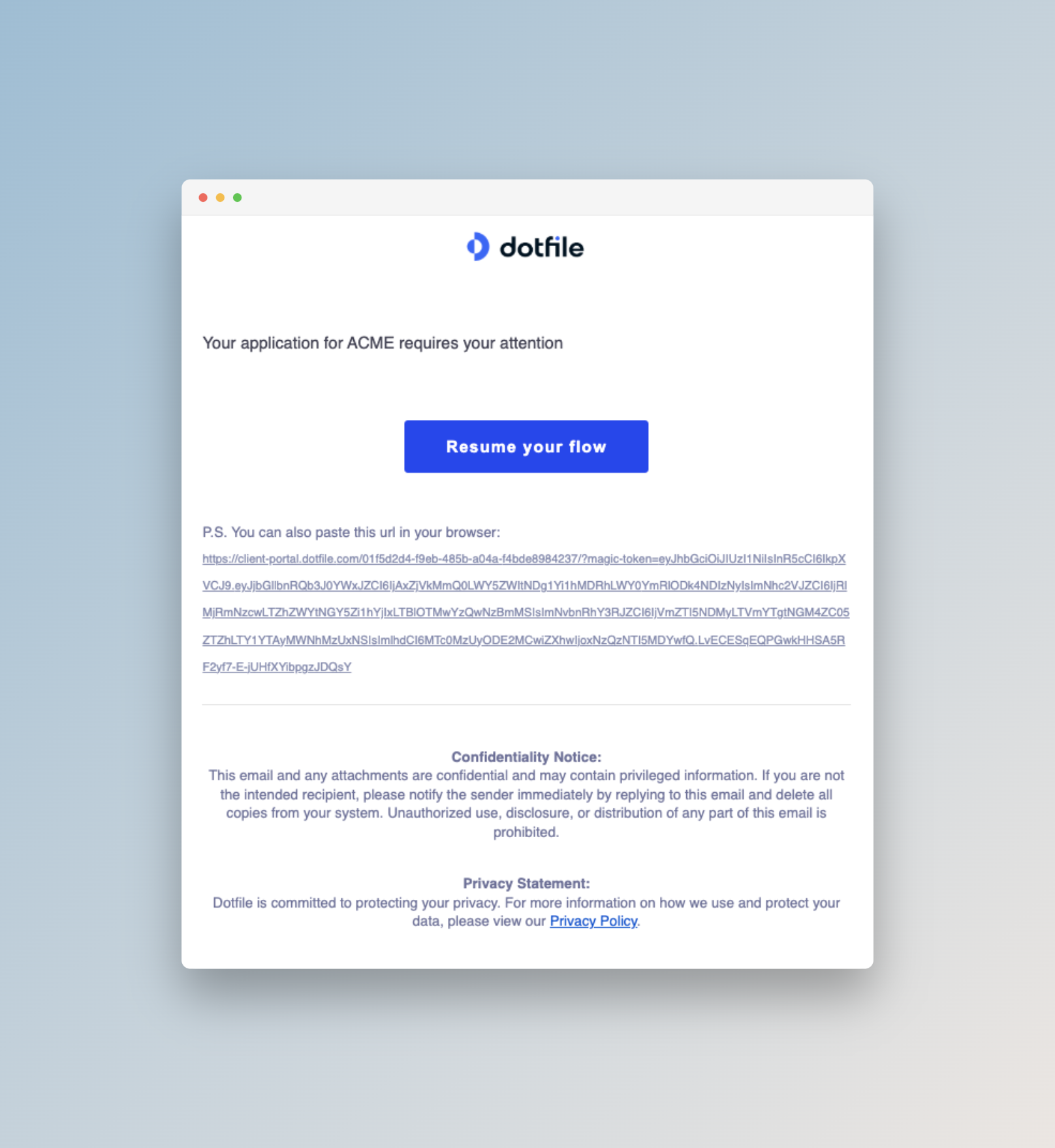
Example of an email sent with the configured styling
Updated 3 months ago
Did this page help you?