
Getting company information
How Dotfile pulls company data from official registers and business data providers
Introduction
Dotfile is natively integrated with business data providers connected to official registers around the world. Accurate data on your counterparties lets you:
- Prefill information during onboarding to save the user time and limit errors
- Identify beneficial owners and legal representatives without relying only on declarative data
- Compute a risk score that takes into account the country of incorporation, the legal form, the industry, and the age of the company
- Access credit scores, negative news, court decisions, past filings, and official documents
How it works
To create a company in Dotfile, enter the country of registration, then search for the company by name or registration number. Several results are suggested; pick the one you want by clicking its name. The company profile is downloaded automatically and key information is prefilled.
The prefilling also works in the Onboarding Flow.
Data sources
Dotfile relies on several third parties for business data:
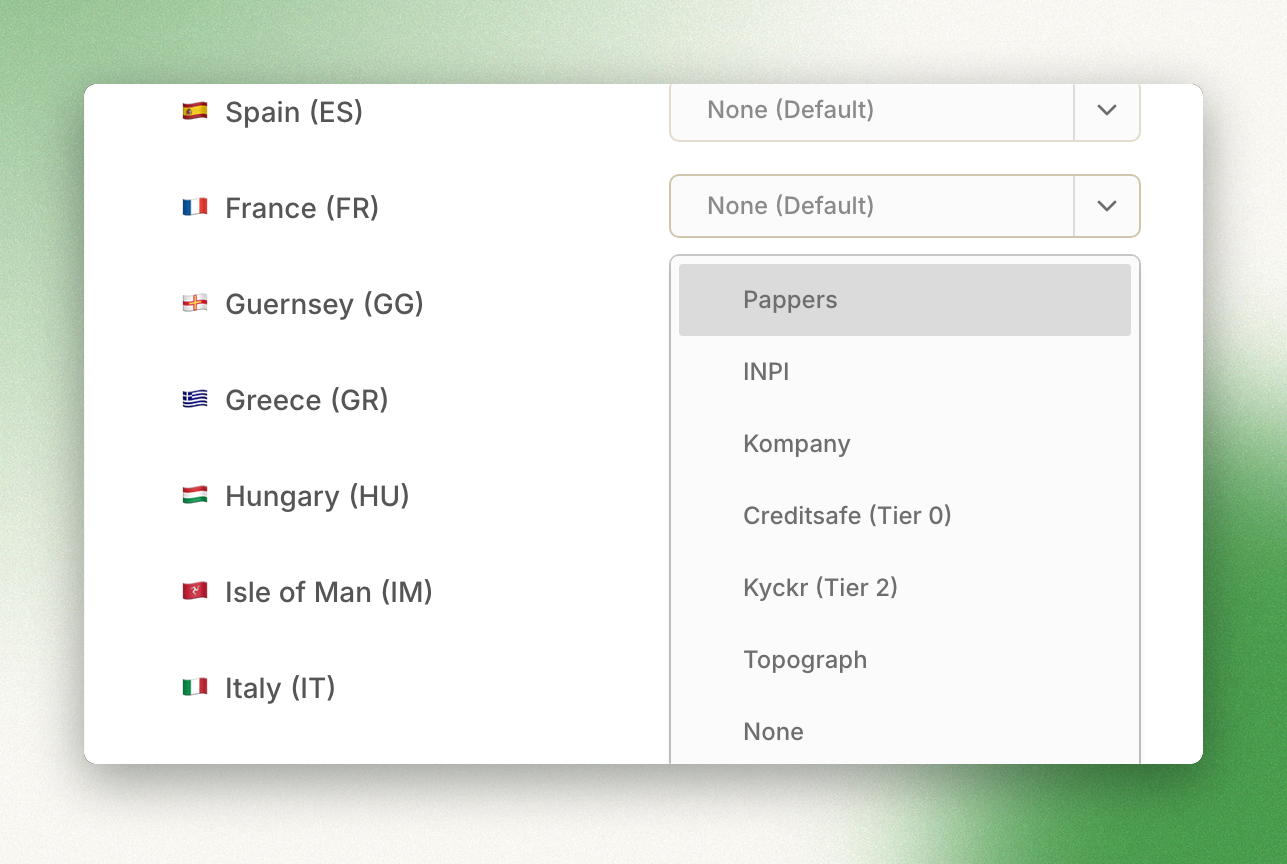
- INPI - Official company data provider by the French Government
- Pappers - Company data and official documents provider for France
- Companies House - Official company data provider by the UK Government
- Kompany by Moody’s - Worldwide company data coverage
- Kyckr - Worldwide company data and official documents coverage
- Topograph - Worldwide company data and official documents coverage
- Creditsafe - Worldwide company data and official documents coverage
The depth of the data varies by country.
Creditsafe, Topograph & Kyckr tiered company dataThe data provided by Creditsafe, Kyckr and Topograph is tiered, with varying costs.
For more details on pricing, reach out to us.
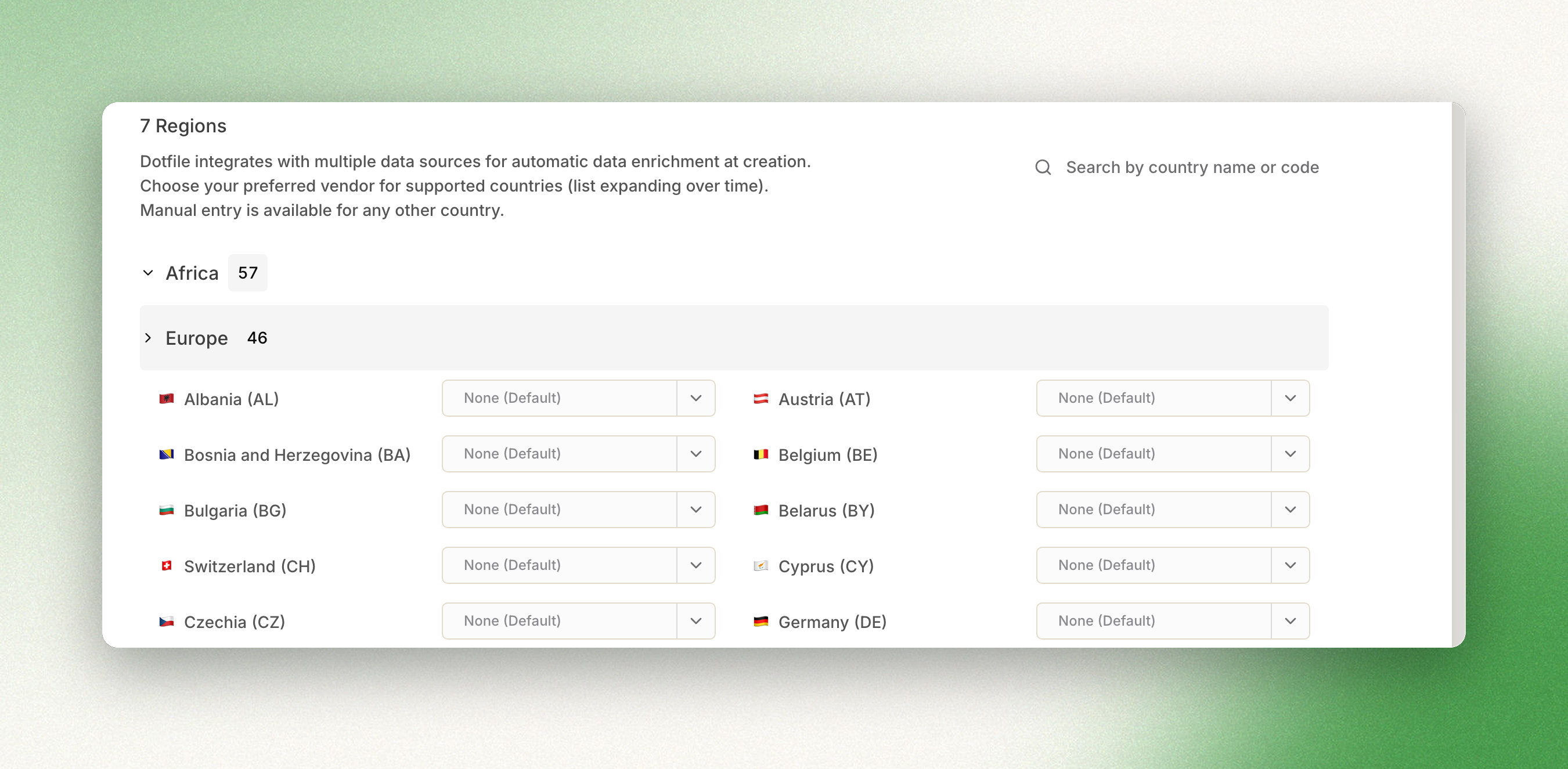
To see which countries Creditsafe, Topograph and Kyckr cover, and in which tier, go to Advanced features and then Company data enrichment.
Use your own credentialsIf you already have a contract with one of our company data providers, you can use your own credentials.
To set this up, reach out to our account management team at [email protected].
Choose the source for a country
By default, Dotfile routes each request to the best provider for the company's geography. To use a specific source for a country instead, go to Settings, in the Advanced features tab.
Review the sourced information
The information purchased from the data providers is fully accessible. Extended data from other sources is also available for purchase.
Compare case data with the sources
A Mismatch indication appears when the case data is inconsistent with the sourced data, so you can check and resolve the difference.
Updated 3 months ago