
How to use Integration Studio
Where to find it, and what your workspace comes with already connected
Accessing Integration Studio
Go to your Dotfile console → Settings → Integrations → Integration Studio. No setup is required. From here, you can build, manage and monitor your workflows.
Managing connections
Use and manage your app connections from the Connections panel. Your workspace comes with a ready-to-use connection to the Dotfile connector, which you can use directly in a recipe.
Building recipes
Use the embedded designer to create recipes.
- Start from scratch: define a name and a trigger event, then add the actions that connect to your apps — send Slack messages, update CRM records, and more.
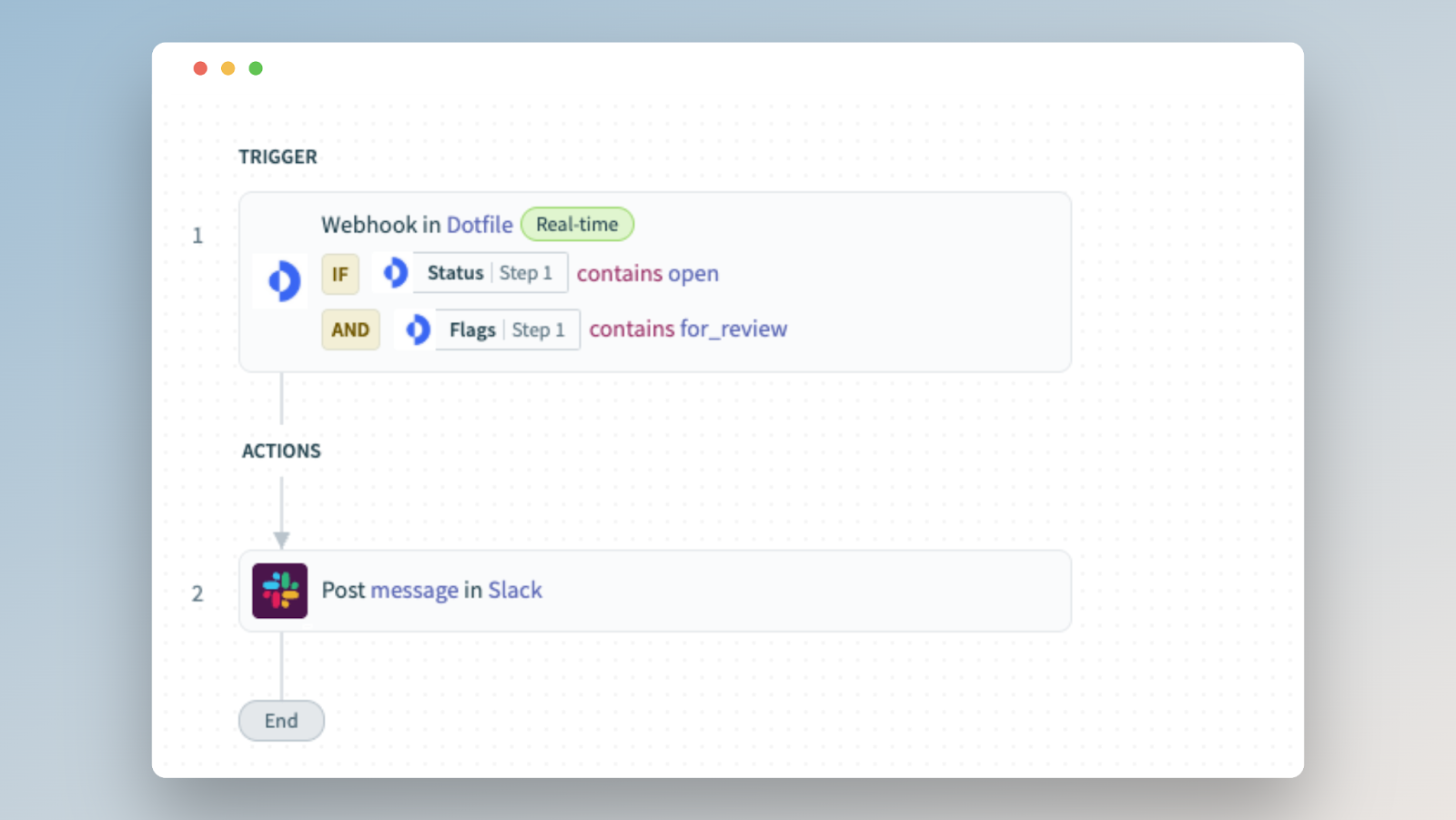
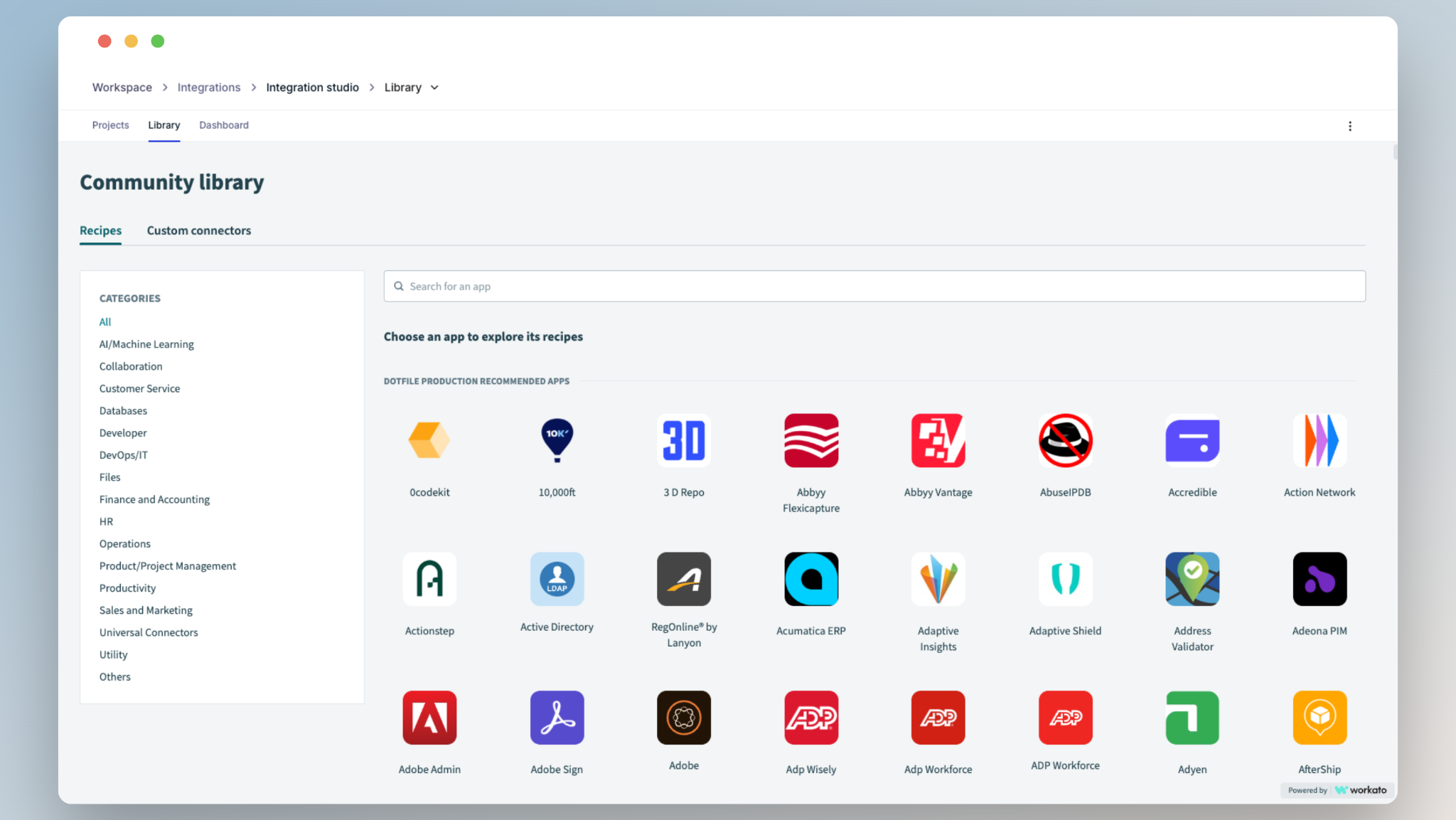
- Use the Library to access hundreds of prebuilt recipes, so you can reuse an existing automation instead of building everything from scratch. From the library, you can:
- Browse and copy recipes for common use cases.
- Discover connectors for popular business apps.
- Learn how other teams structure their automations.
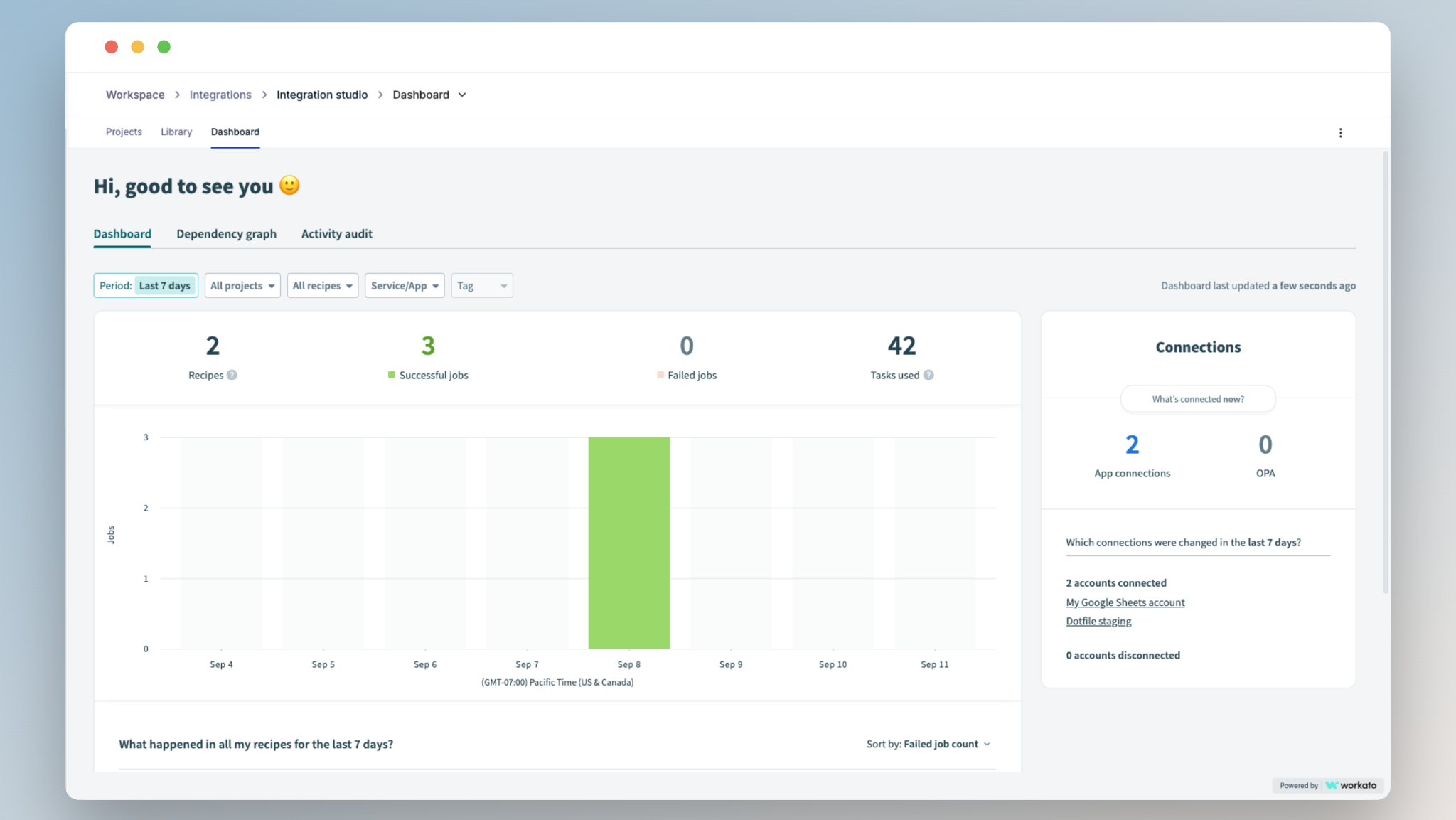
Tracking usage
Monitor recipe execution and task usage in the Dashboard view. If you hit your plan limits, reach out to Dotfile Support or your Customer Success Manager.
Updated 3 months ago
Did this page help you?