
Dark mode
Switch the console to a dark theme, or let it follow your operating system
The Dotfile console can be shown in a dark theme. It is a personal preference: you choose it for yourself, it changes nothing for anyone else in the workspace, and there is nothing for an admin to enable.
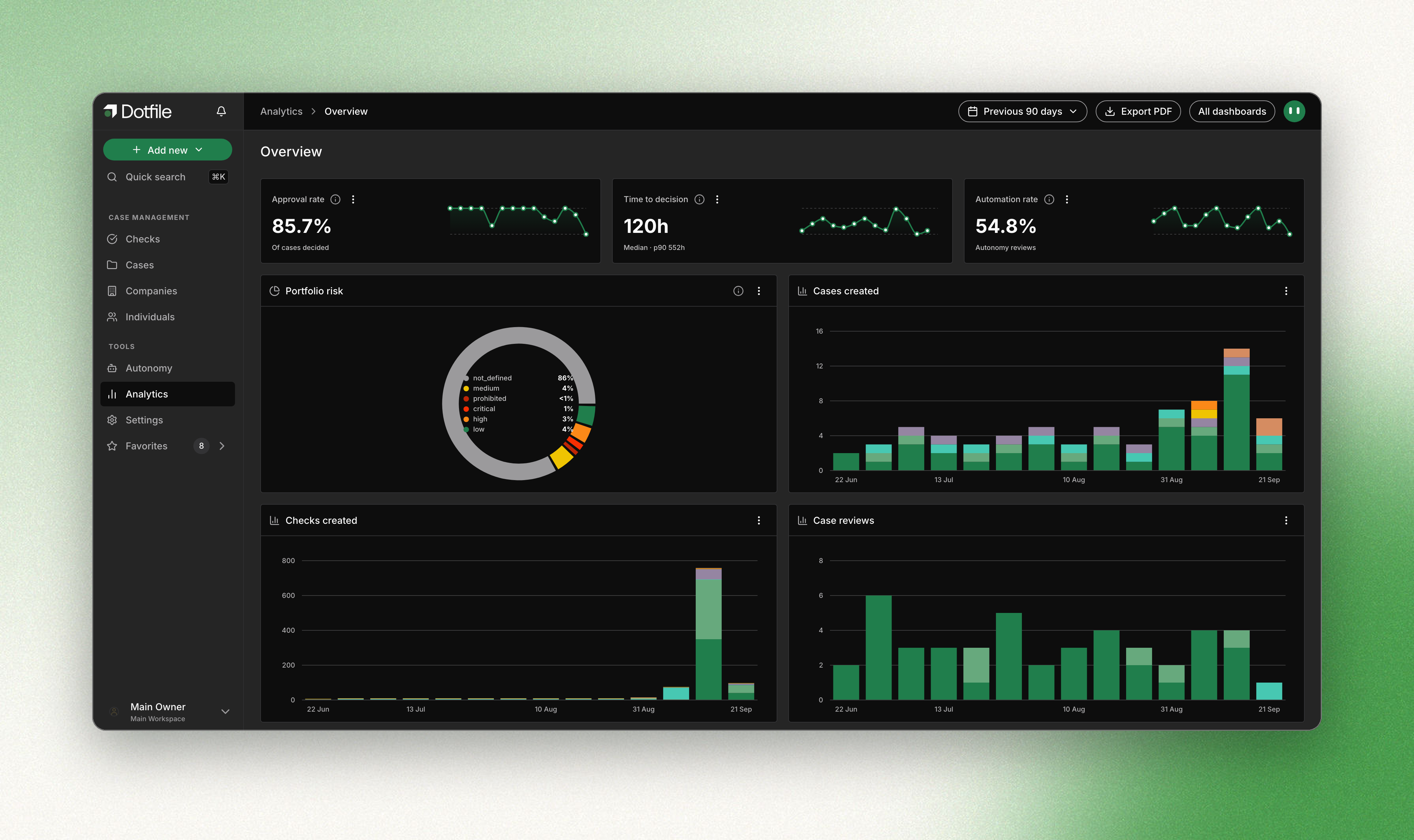
Choosing your theme
Open the user menu at the bottom left of the sidebar. Three options sit at the top of it:
| Option | What it does |
|---|---|
| Light | The console stays light. This is the default. |
| Dark | The console uses the dark theme. |
| Follow system | The console matches your operating system, and switches with it when your machine moves from light to dark. |
The change is immediate, and it survives a reload with no flash of the wrong theme on the way in.
What the preference applies to
Your choice is stored in the browser you make it in. It is not attached to your Dotfile account, so it does not travel: dark on your laptop leaves another browser, another machine and a private window on light until you set them too.
It applies to the console. The client portal your customers use, the emails Dotfile sends and the PDFs you export stay light, and are unaffected by what you choose here.
We are still going through individual screens: a handful of them read better in light than in dark today, and we are fixing them as we find them. If you come across one, tell us and it goes on the list.
Updated about 2 months ago